Client: The Library of Congress
"Drawing Justice: the art of courtroom illustration" was a special exhibition by the Library of Congress. For this exhibition, I designed an interactive touchscreen, which allowed visitors to explore these courtroom drawings in greater depth — organized by theme, or organized by artist.
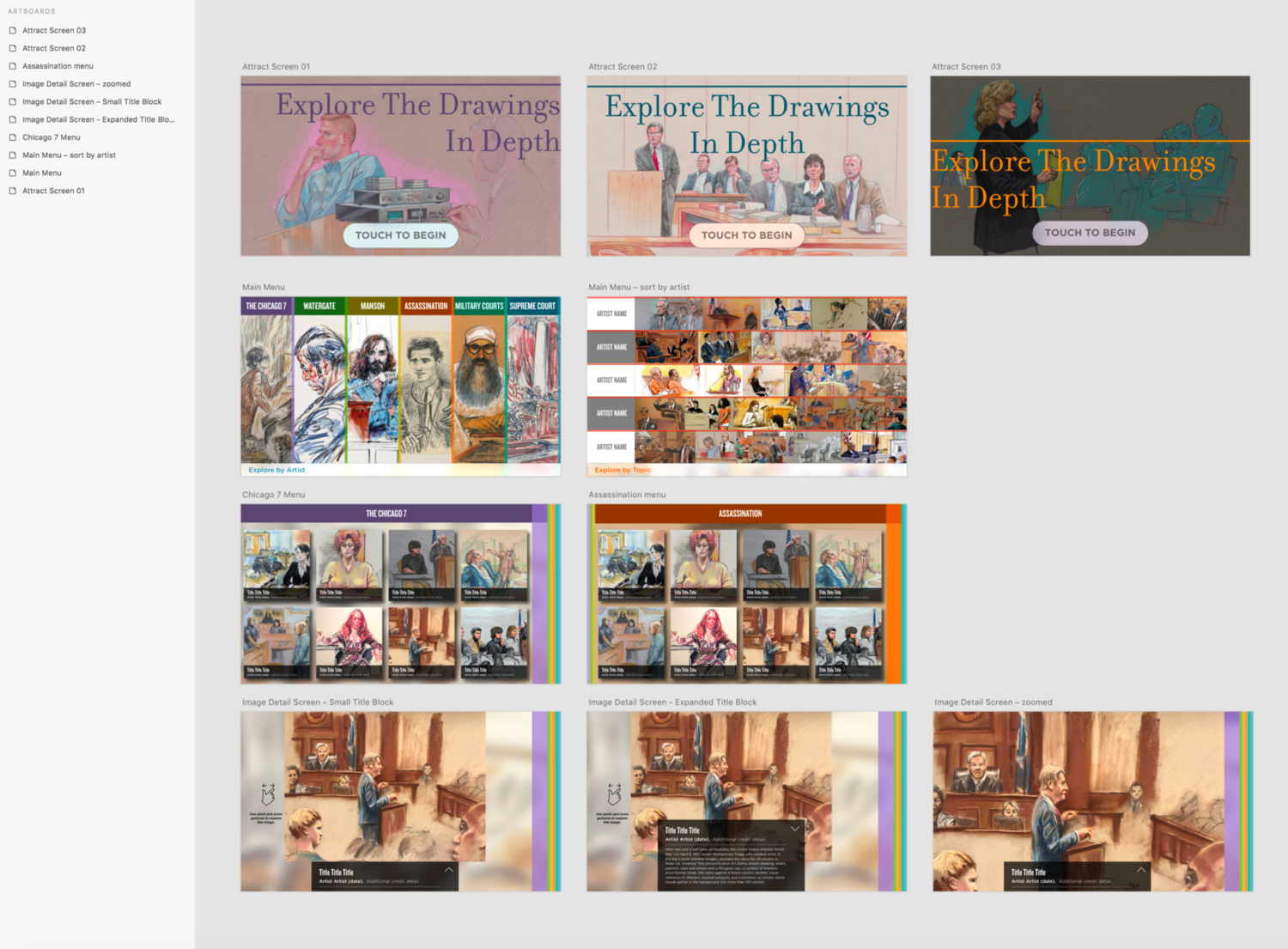
Initial design
In the initial design phase, when I wasn't certain how many artists would be represented in this interactive, I designed the main menu screens slightly differently.
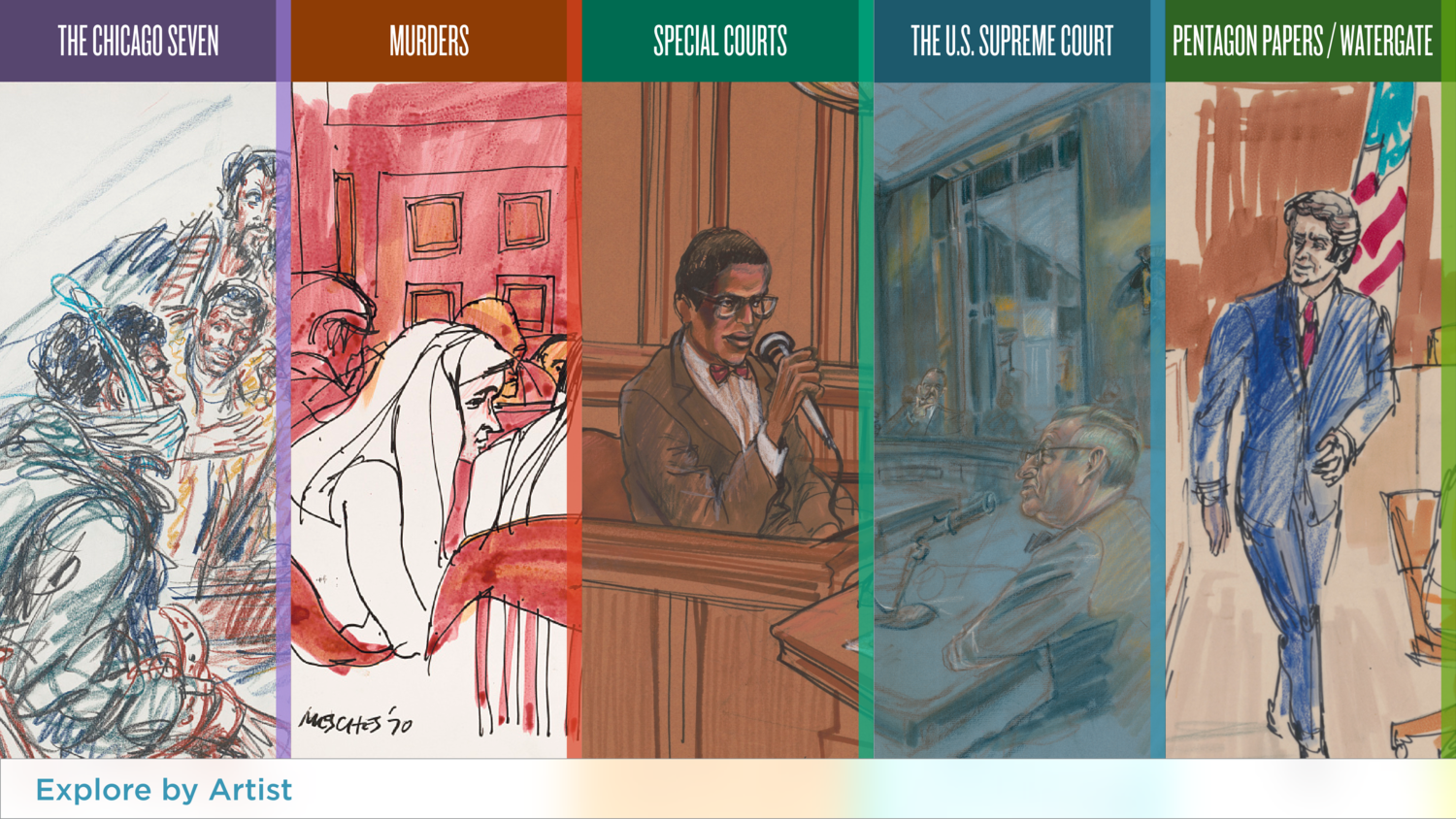
"Explore by Topic" had a very vertical theme. "Explore by Artist" had a more horizontal theme to it.
Main Menu - Explore by Topic
In the end, we went with the vertical theme represented in the "Explore by Topic" screen.
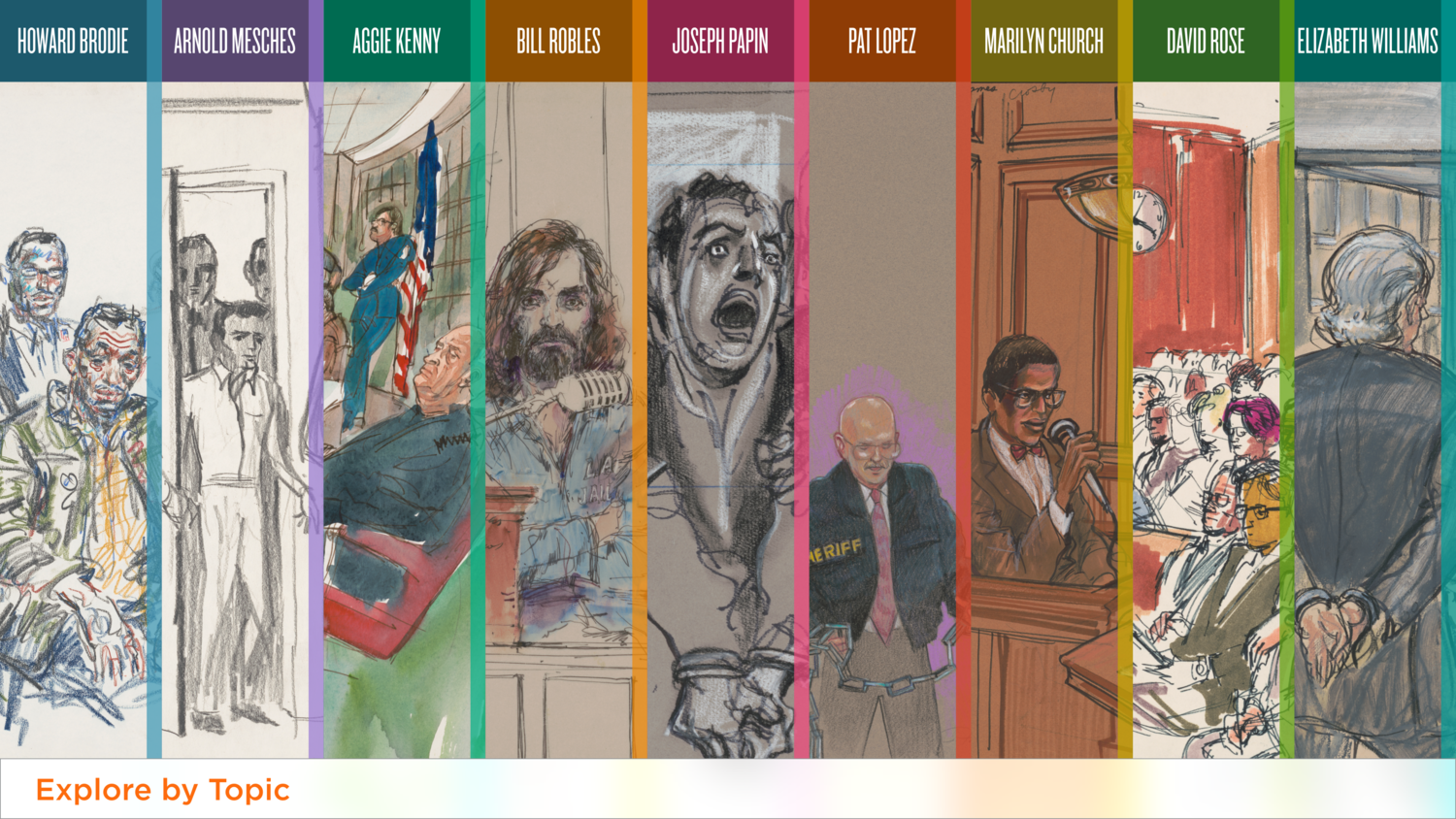
Main Menu - Explore by Artist
"Explore by Artist" also used the vertical theme.
The final main menu for the interactive included more artists than originally anticipated.
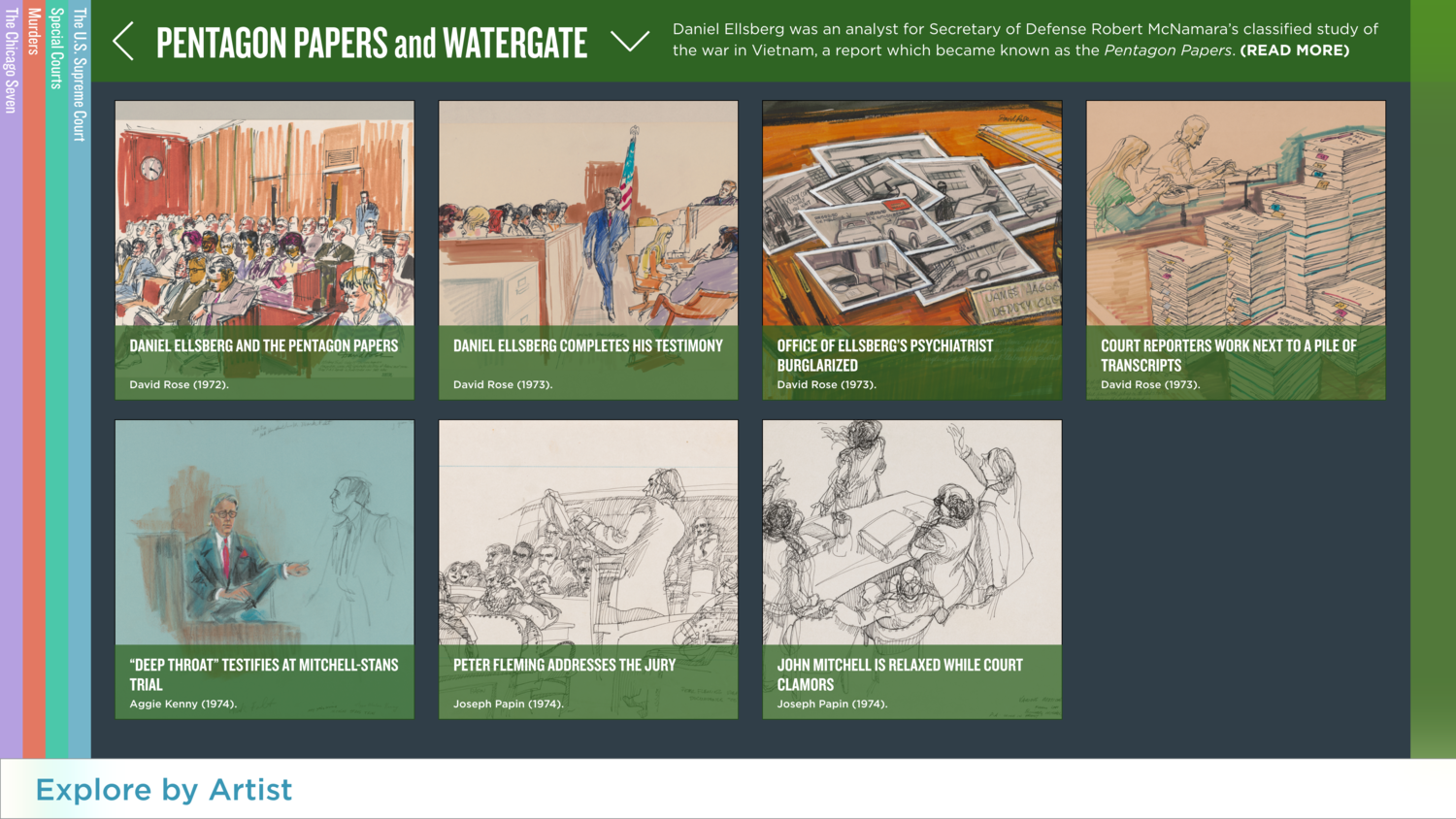
Topic page
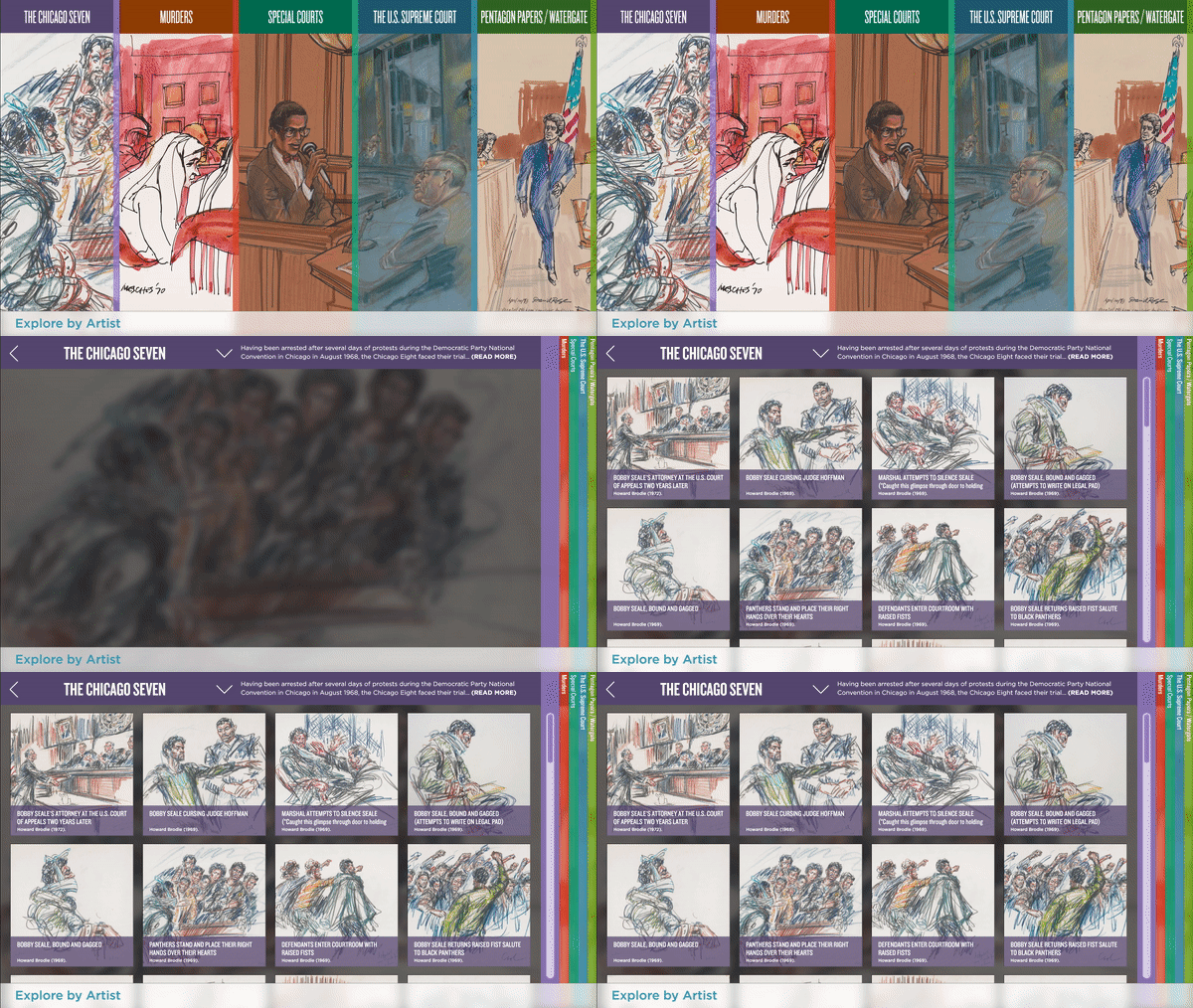
All the other topics are accessible from each topic page — to the left or the right. "Explore by Artist" is available at the bottom of the screen.
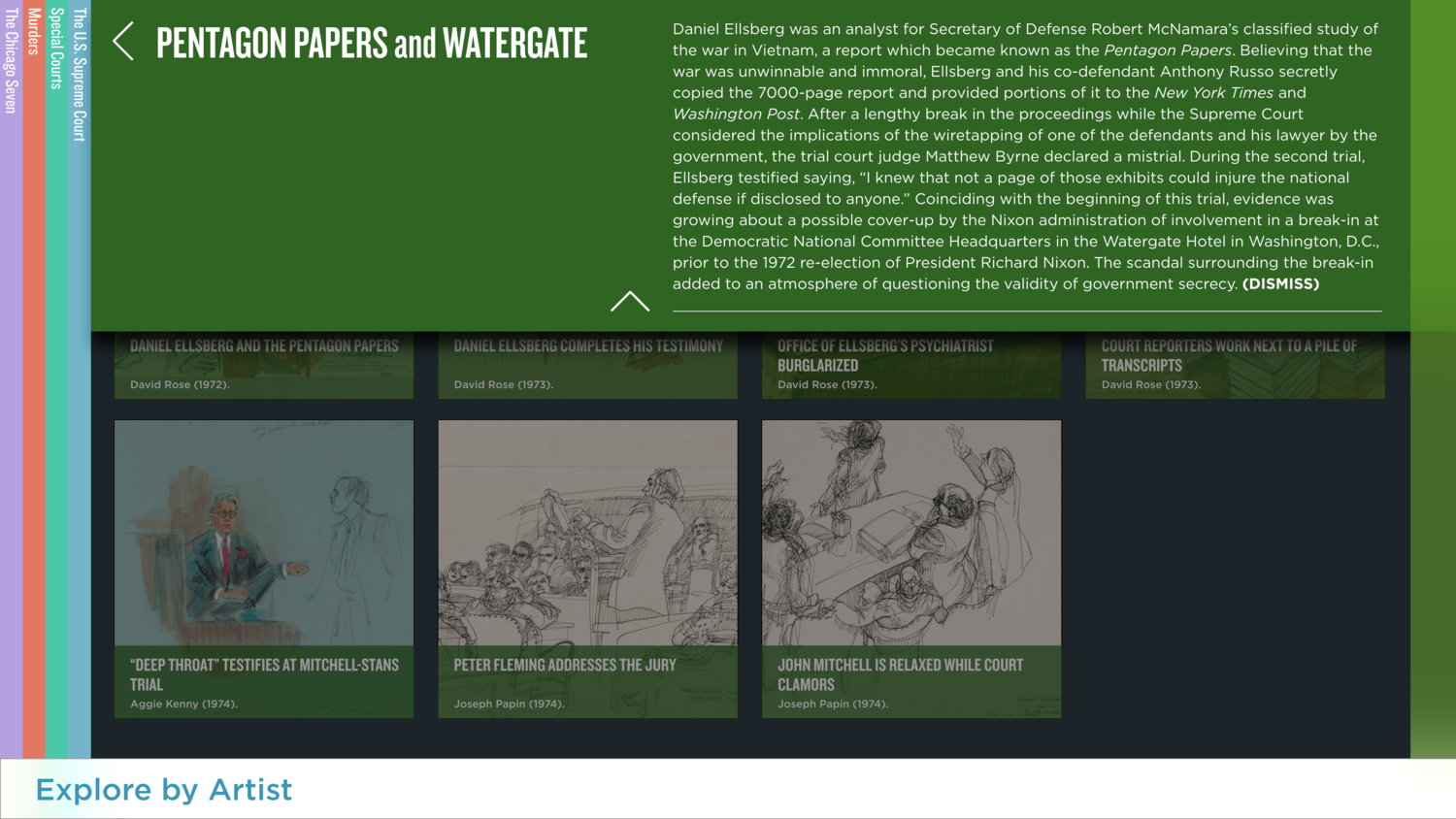
Introductory text
Introductory information is available for each topic in a pull-down menu.
Explore the Drawing
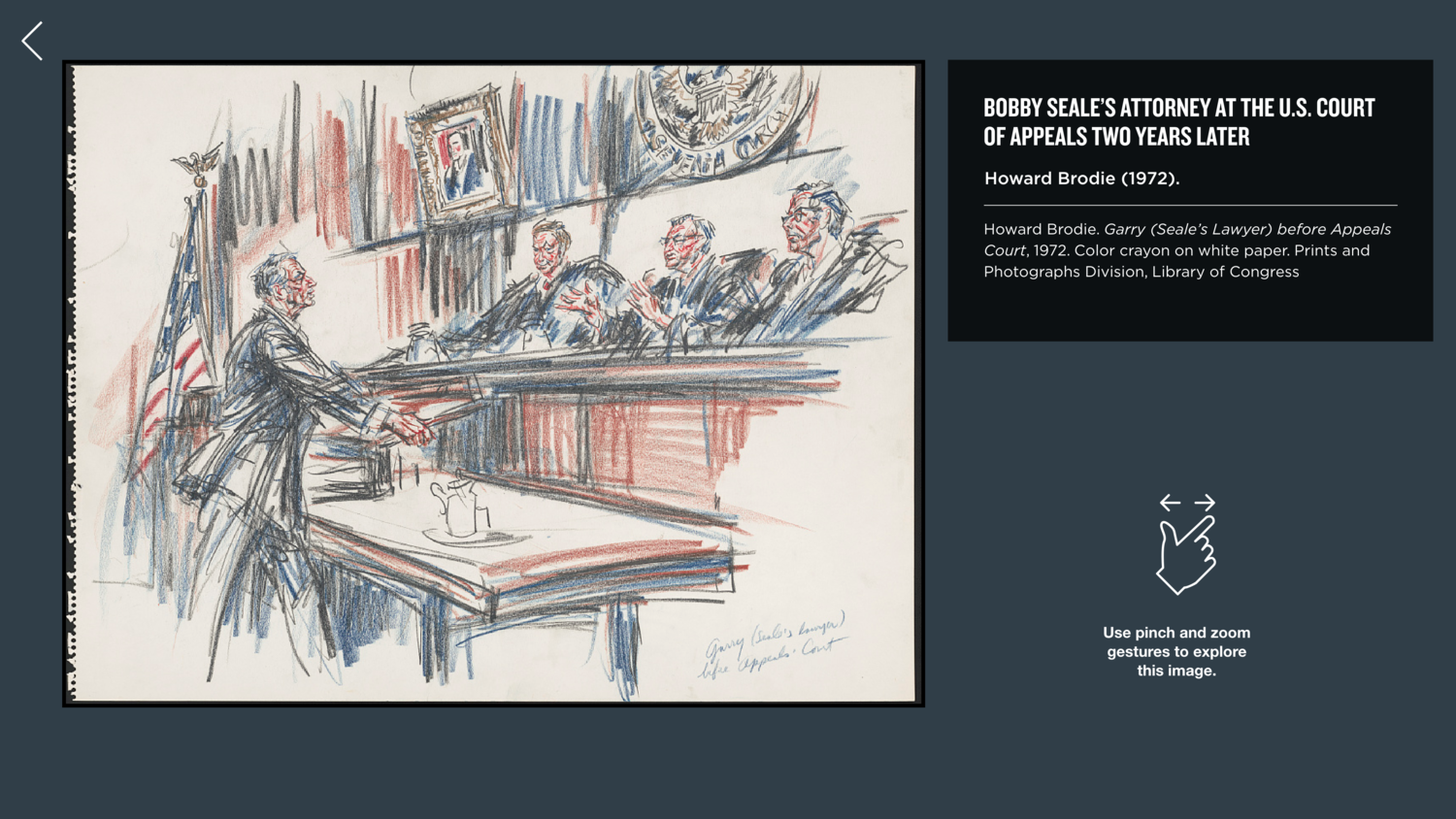
Users can explore each drawing available in the interactive using familiar pinch and zoom gestures.
Interactive Style Guide
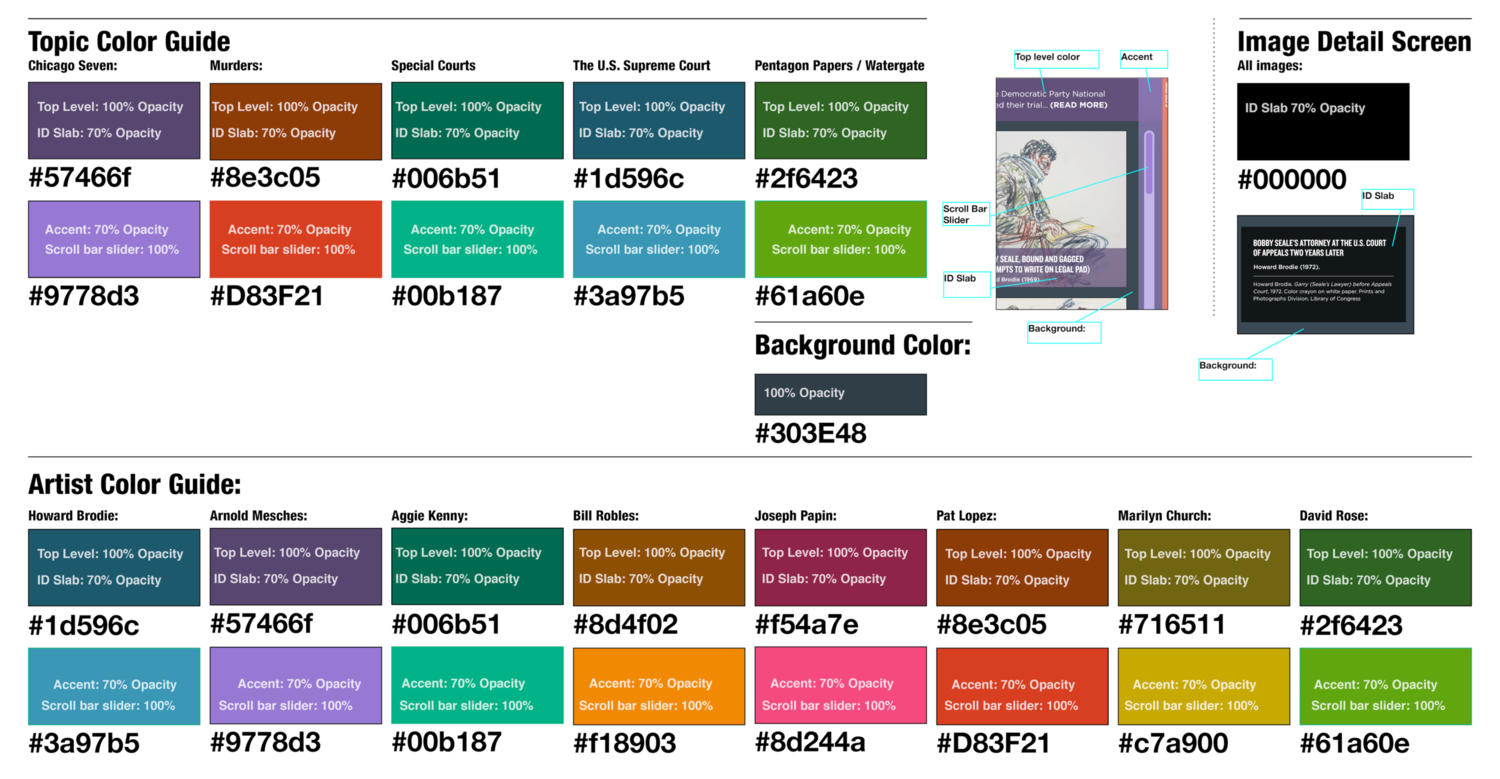
Because we were working with a subcontractor to do the programming, I produced a detailed style guide for the interactive menus and detail screens. Each topic and artist had specific theme colors for top levels, accents, ID slabs, and scroll bar sliders.
Interactive Style Guide
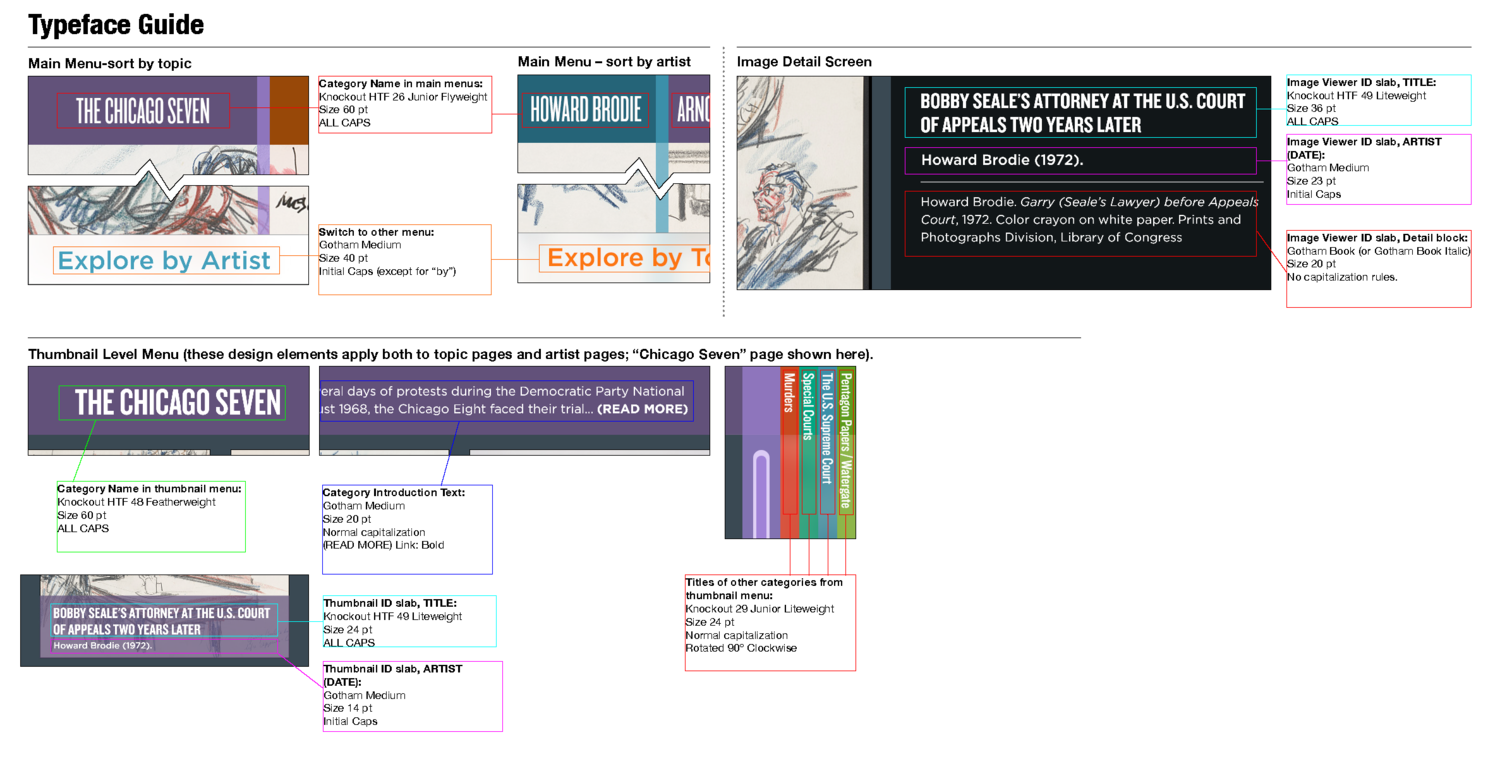
The style guide also had a key to all the typefaces used in the interactive.
Interactive Style Guide
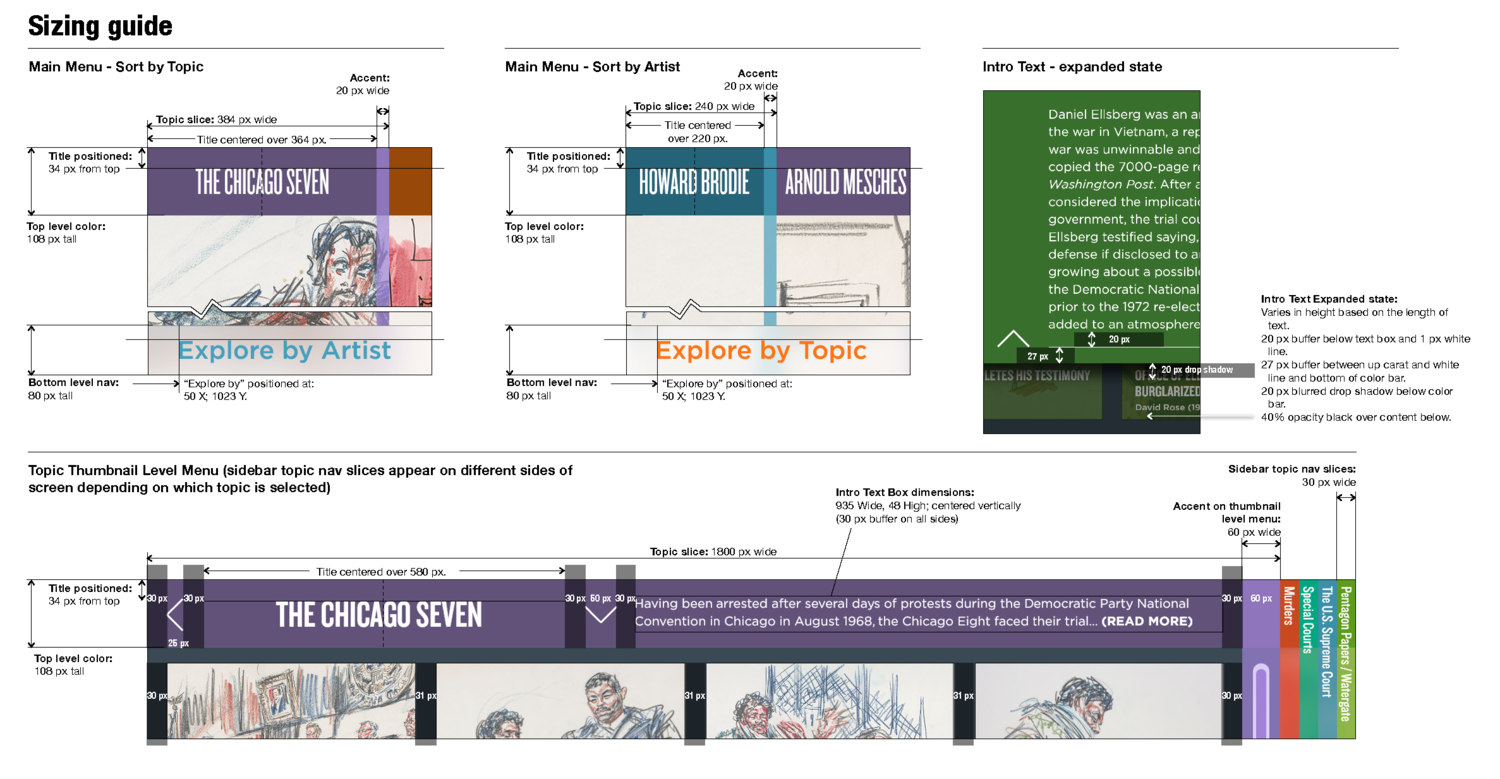
I also produced a sizing guide in the style guide.
Transition Animation
I produced this transition animation in Adobe After Effects to show all the stakeholders how I imagined the transition from the main menu to the topic pages would appear.